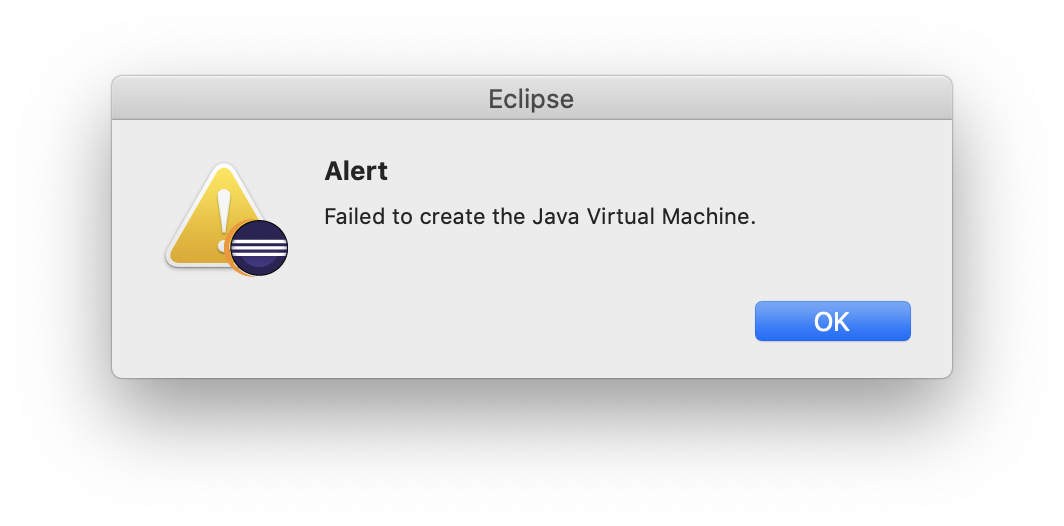
If you’re seeing this popup when you launch Eclipse itself, or the Eclipse installer on your macOS, this post is for you. First, there’s a bit more details on the Eclipse and JDK bug trackers. To fix this, you will need to uninstall the problematic JDK version and install the latest one on your macOS machine:
- Run the
/usr/libexec/java_home -V command to list all installed JVM versions.
- Identify the problematic version of the JVM – in my case it was “
14, x86_64: "Java SE 14" /Library/Java/JavaVirtualMachines/jdk-14.jdk/Contents/Home“.
- Delete that version – with something like “
sudo rm -rf /Library/Java/JavaVirtualMachines/jdk-14.jdk/“
- Install the latest matching JVM / JDK – at the time of this writing it is 14.0.1
- Verify that it appears in the list of installed JVMs with
/usr/libexec/java_home -V
- If needed, point the
Eclipse.app/Contents/Eclipse/eclipse.ini to the location of the newly installed JVM (-vm parameter)
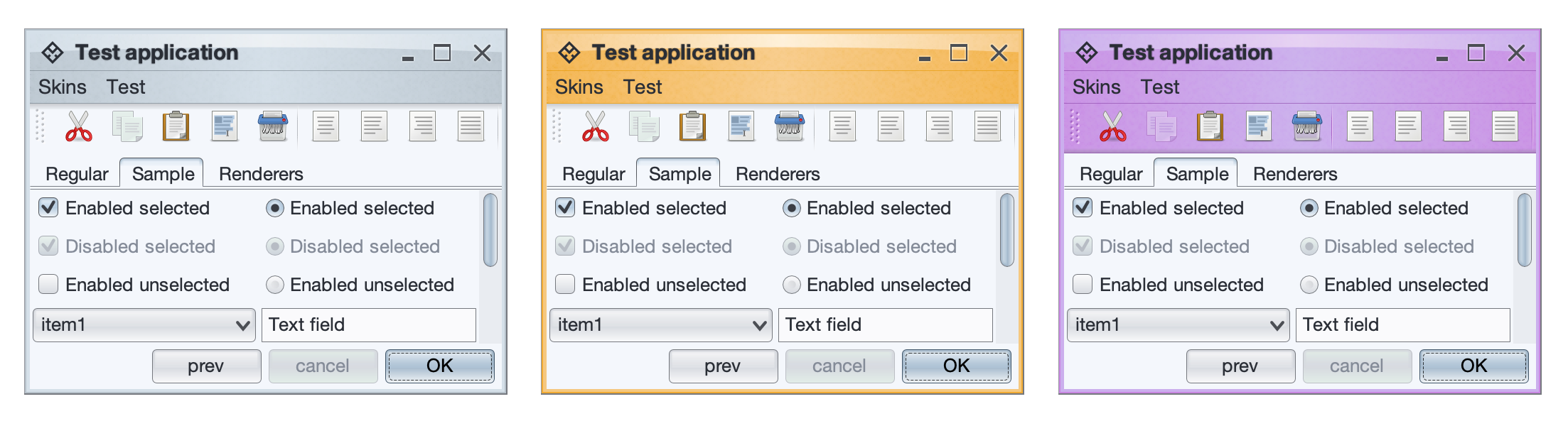
It gives me great pleasure to announce the fourth major release of Radiance. Let’s get to what’s been fixed, and what’s been added. First, I’m going to use emojis to mark different parts of it like this:
💔 marks an incompatible API / binary change
😻 marks new features
🤷♀️ marks bug fixes and general improvements
Dependencies for core libraries
- Gradle from
5.6.1 to 6.4.1
- Kotlin from
1.3.50 to 1.3.72
- Kotlin coroutines from
1.3.0 to 1.3.7
- Batik from
1.11 to 1.13
Substance
- 😻 A more flexible skin accent system
- 😻 New skins – Graphite Sienna, Sentinel and Harvest
- 😻 Support color references in color scheme files
- 😻 New Caps Lock indication on focused password fields
- 😻 New association kind for checkbox and radio button “boxes”
- 💔 Revisit APIs for loading color scheme bundles
- 💔 Remove the title pane heap status widget
- 🤷♀️ Use Helvetica Neue on macOS Catalina
- 🤷♀️ Visual refresh of checkbox marks
- 🤷♀️ Support for fallback fonts (CJK, etc)
- 🤷♀️ Fix for incorrect usage of
HIGHLIGHT_TEXT association kind on renderers.
- 🤷♀️ Fix for background of popup menus opened from toolbar buttons.
- 🤷♀️ Fix improved contrast across core skins.
- 🤷♀️ Multiple fixes for table rollover hightlights and animations
- 🤷♀️ Fix for some components under very large font sizes
- 🤷♀️ Performance fix for column selection in large tables
- 🤷♀️ Fix for icons in file chooser drop downs
- 🤷♀️ Fix for incorrect bounds of maximized frames on secondary monitors
Flamingo
- 💔 General evolution of command button APIs
- 😻 Support for toggle split buttons
- 😻 Add API to wire notification on ribbon spinner changes
- 😻 Add API to wire notification on ribbon task selection
- 🤷♀️ Multiple focus traversal fixes for ribbon content
- 🤷♀️ Fixes for clipped wrapped ribbon components
- 🤷♀️ Fix to not use round corners on command buttons in menus
- 🤷♀️ Fix for crash in narrow command button panels
- 🤷♀️ Fix for crash in showing keytips on toggle anchored ribbon commands
- 🤷♀️ Fix for crash on showing keytips on undecorated windows
- 🤷♀️ Fix for dynamic changes to ribbon gallery content
- 🤷♀️ Fix for large icons on internal frames
- 🤷♀️ Use the public
Taskbar API to set the ribbon frame dock icon
Trident
- 💔 Move all public APIs to
org.pushingpixels.trident.api package
- 💔 Remove generic UI toolkit support and leave only Swing support
- 😻 Add support to provide dynamically computed
from / to values on timelines.
Neon
- 💔 Move all public APIs to
org.pushingpixels.neon.api package
Photon
Plasma
This release marks a special milestone for me. The very first Substance release happened exactly fifteen years ago, on May 30th 2005. I didn’t quite imagine that I’d be here today, still working on the same codebase.
There’s still a long road ahead to continue exploring the never-ending depths of what it takes to write elegant and high-performing desktop applications in Swing. If you’re in the business of writing just such apps, I’d love for you to take this Radiance release for a spin. Click here to get the instructions on how to add Radiance to your builds. And don’t forget that all of the modules require Java 9 to build and run.
Here’s to the next fifteen years!
The original for the quote is behind a paywall, and it’s about four loosely related sections. One of them is borrowing from this story and expanding on the larger ecosystem of the recent crop of “intermediaries”:
In the old economy of price signals, you tried to build a product that people would want, and the way you knew it worked is that people would pay you more than it cost. You were adding value to the world, and you could tell because you made money. In the new economy of user growth, you don’t have to worry about making a product that people want because you can just pay them to use it, so you might end up with companies losing money to give people things that they don’t want and driving out the things they do want.
I think we’ll look back at the late 2010s / early 2020s as some kind of a weird aberration in the global market as untold billions of dollars were burnt trying to upend industries, with no solid business plan other than the vague promise of innovation, customer centeredness and dreams of striking it rich. Well, the last part obviously is working for the very very few who are still managing to squeeze incredible amounts of money from a) investors, b) creators of the thing and c) consumers of the thing. While at the same time destroying the very market they have set out to “rescue”.
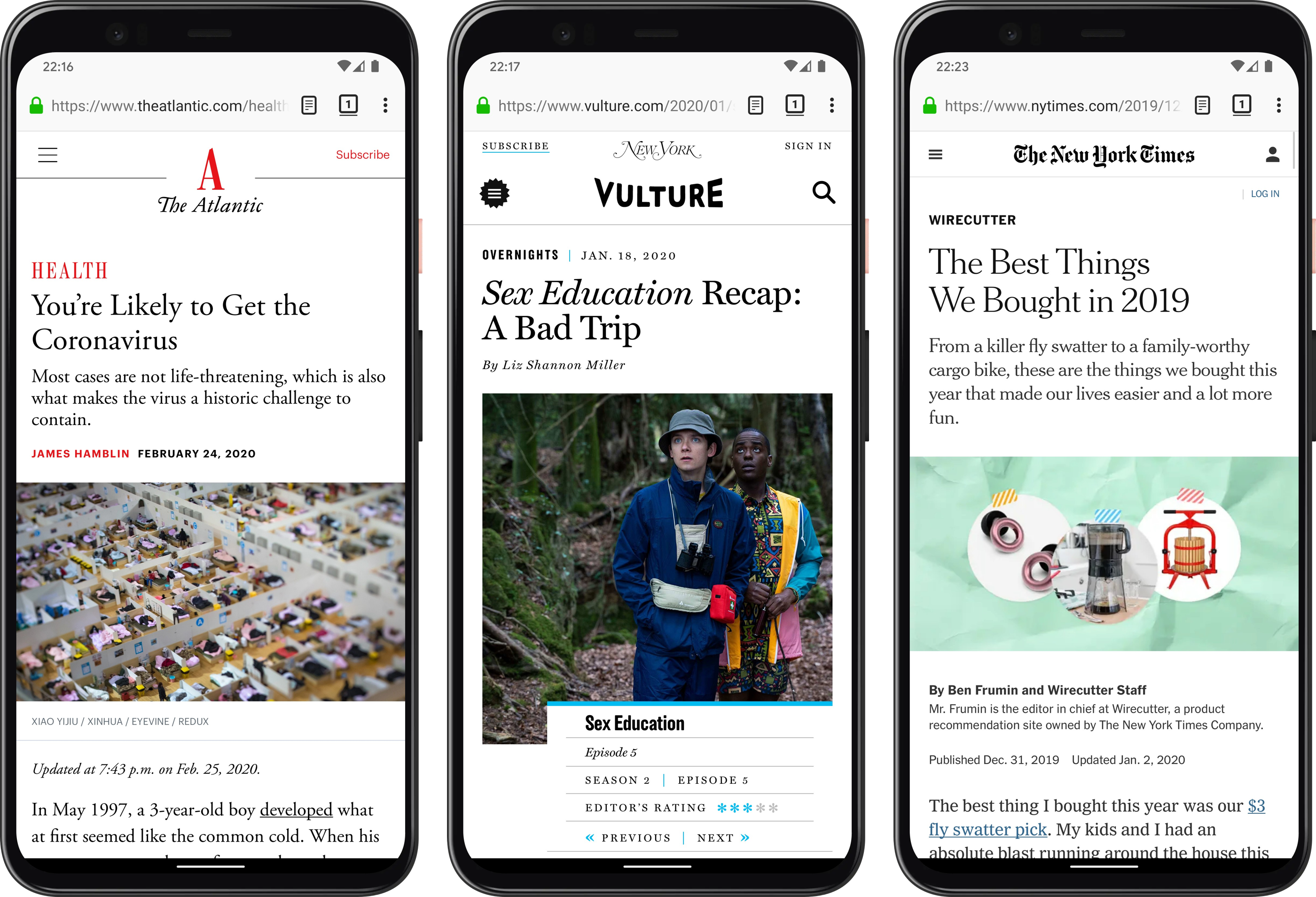
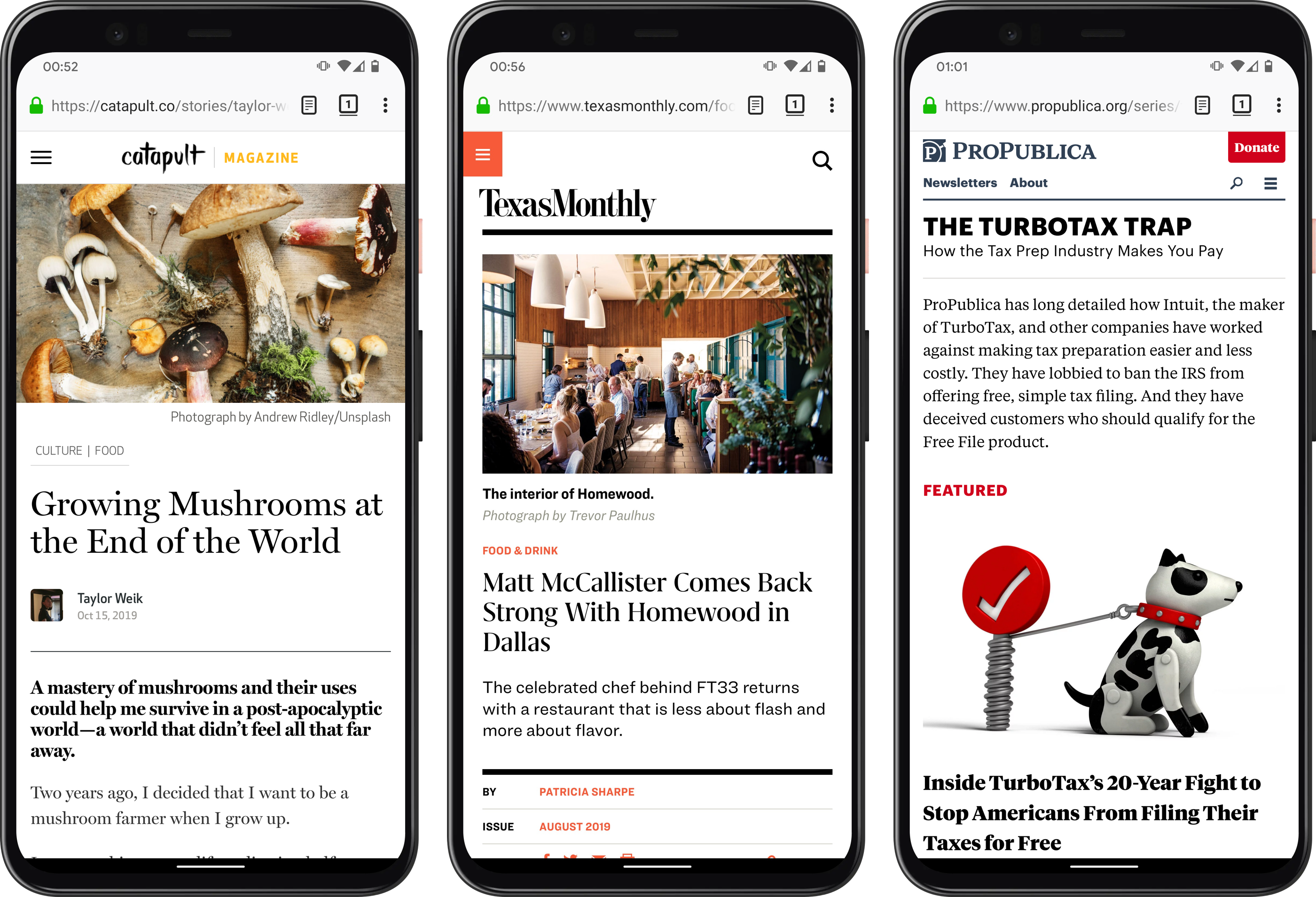
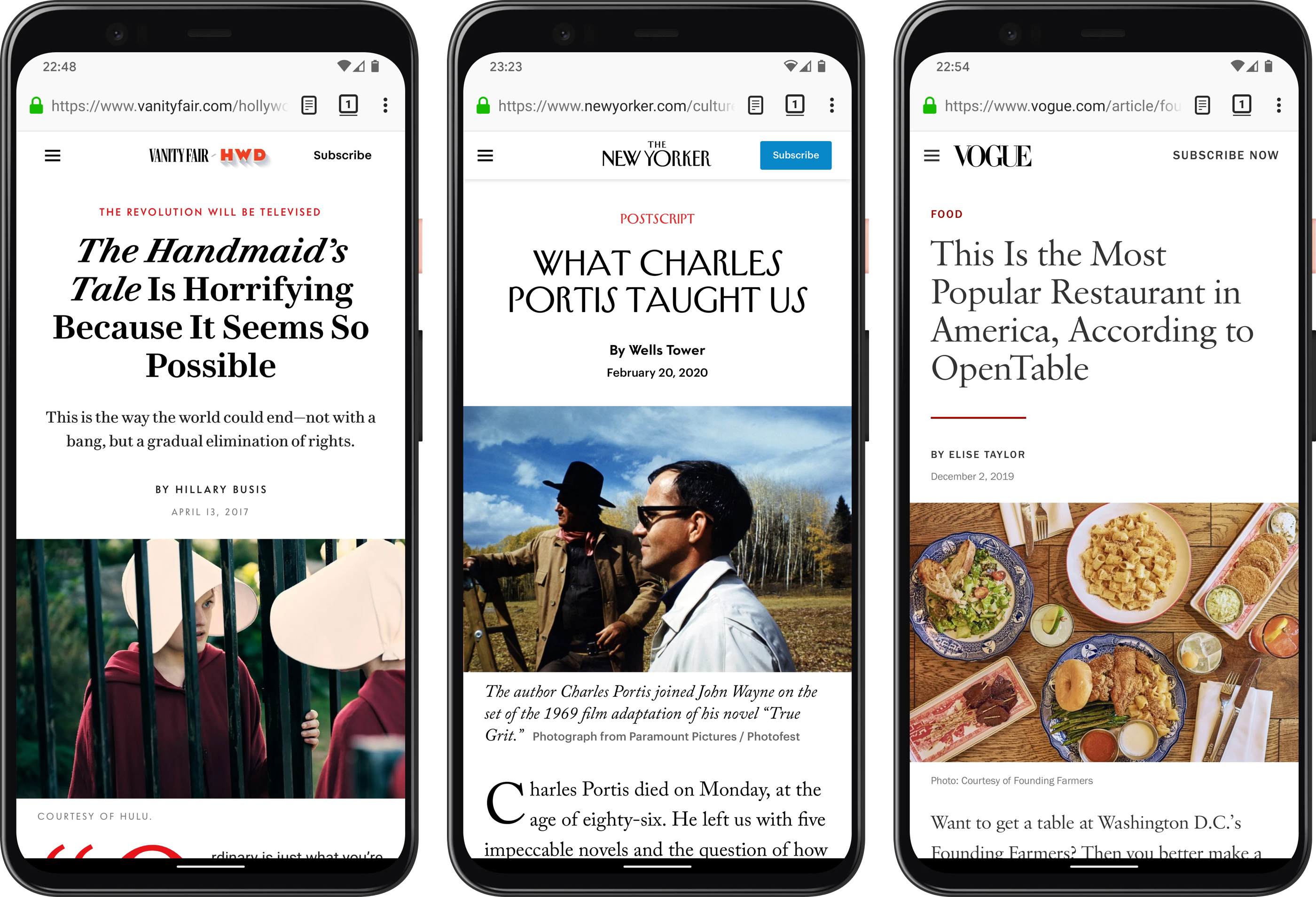
There are two things common between the websites in these screenshots that I took yesterday.
- They are beautifully designed, with great typography, clear branding, all optimized for readability.
- I had to install Firefox, Adblock Plus and uBlock Origin, as well as manually select and remove additional elements such as subscription overlays.
The web can be beautiful. Except it’s not right now.