In addition to bug fixes and performance improvements in Substance 5.2 (code-named Quebec), i’m planning to introduce a few new skins. The first is Dust which is based on the artwork done by Rico Sta Cruz and Kido Mariano for Ubuntu. If you want to take it for a spin, click on the WebStart button below and change the skin to Dust from the “Skins” menu:

To use it in your application, you have the following three options:
-Dswing.defaultlaf=org.jvnet.substance.skin.SubstanceDustLookAndFeelUIManager.setLookAndFeel(new SubstanceDustLookAndFeel())UIManager.setLookAndFeel("org.jvnet.substance.skin.SubstanceDustLookAndFeel");
Here are a few screenshots that show this new skin. A small frame with a tabbed pane and a few different controls:

A frame with menu bar, tool bar and status bar from SwingX project:

A thumbnail of the main Substance test application (click for full-size view):

As with all Substance core skins, this is work in progress and will be polished over time. Dust is also the first skin that is using the experimental color schemes definition file. While the existing Autumn and Nebula skins have been moved to use such files as well, this functionality is planned to be officially supported in the next major Substance release.
In the meantime, you’re more than welcome to take the latest 5.2dev drop for a spin and leave your comments.
Today, i’m happy to officially announce project Amber. In works over the last few weeks, it shows how to use Trident to add animations to an online interactive application that analyzes media trends. While previous demo videos showed some of Amber’s capabilities on test data sets, this high-definition video (watch in full-screen mode) shows Amber tracking the Digg tech news trends in real time.
To see Amber in action, click the WebStart button below and select one of the available Digg topics (last column):
Here are a few screenshots of Amber. The login screen (fades out on pressing the “Start” button):

The grid of story thumbnails (slide in and up):

Infotip showing story title and description (slides and fades in):

Another infotip, this time above the story thumbnail to fit in the frame:

Frequency chart of keywords in the shown entries – allows to analyze the popular topics:

The full code for Amber 1.0dev (code-named Ashberry) is available in the SVN repository, and Rémy Rakic (@lqd on Twitter) has already created a Twitter provider that allows analyzing public timelines:
To create a custom provider, take a look at the org.pushingpixels.amber.digg.DiggProvider class. One of the next blog entries will show another provider that uses the NY Times online APIs.
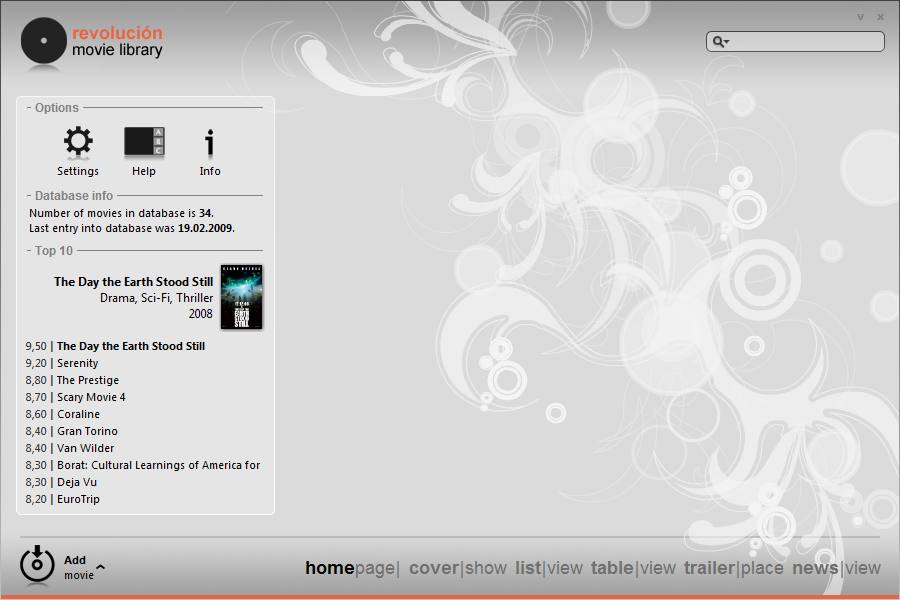
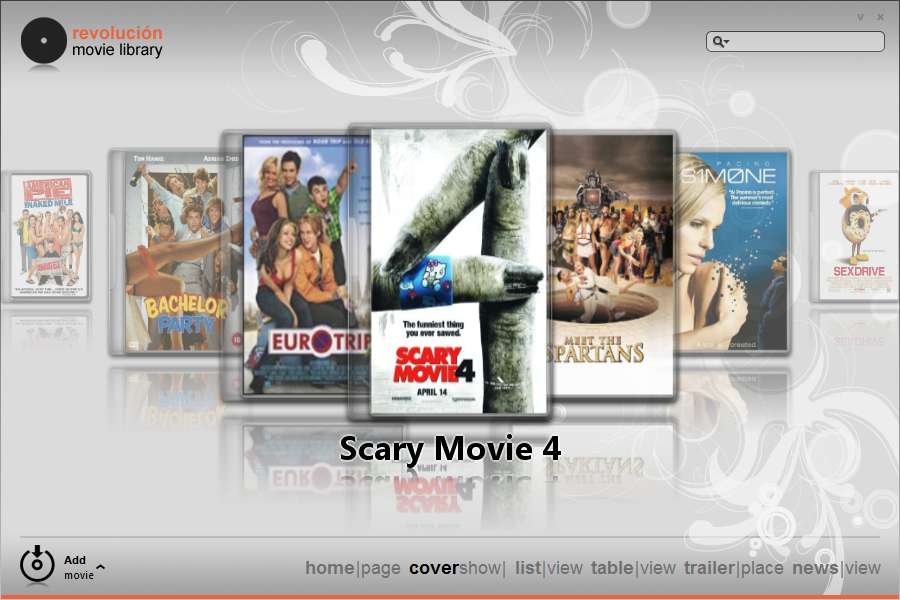
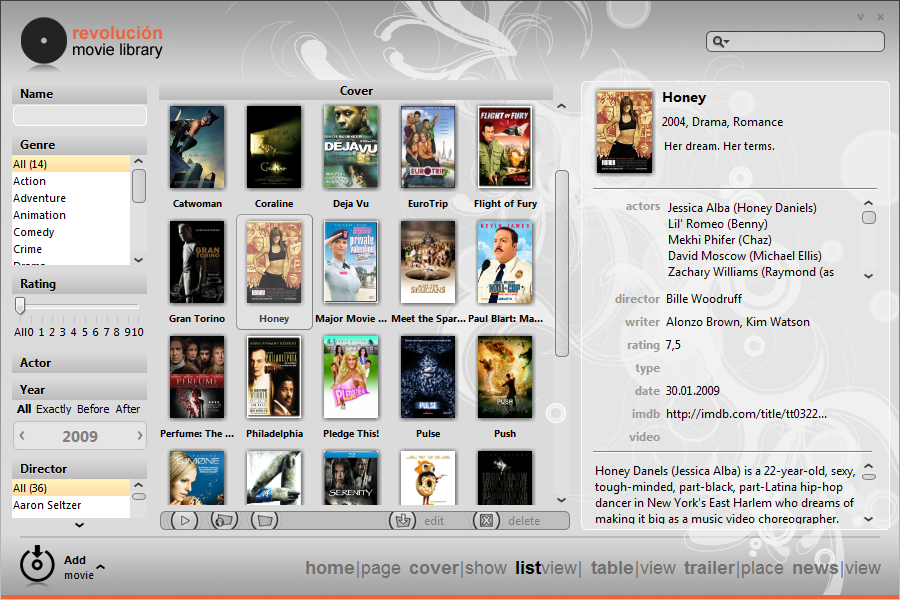
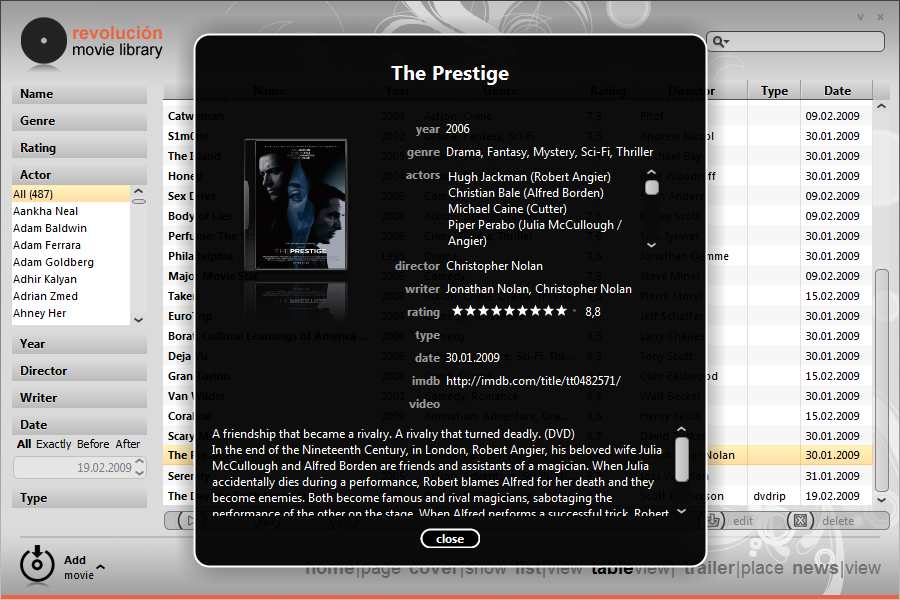
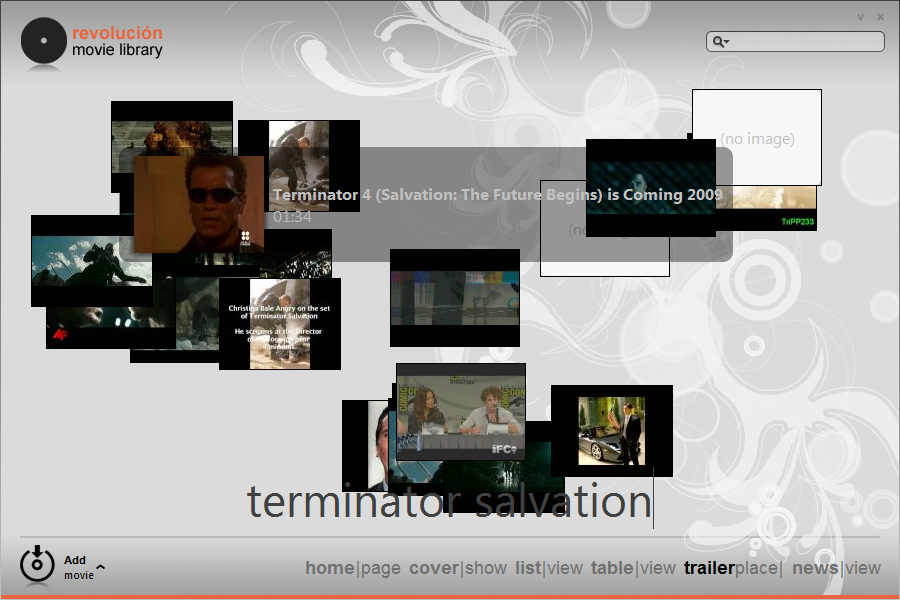
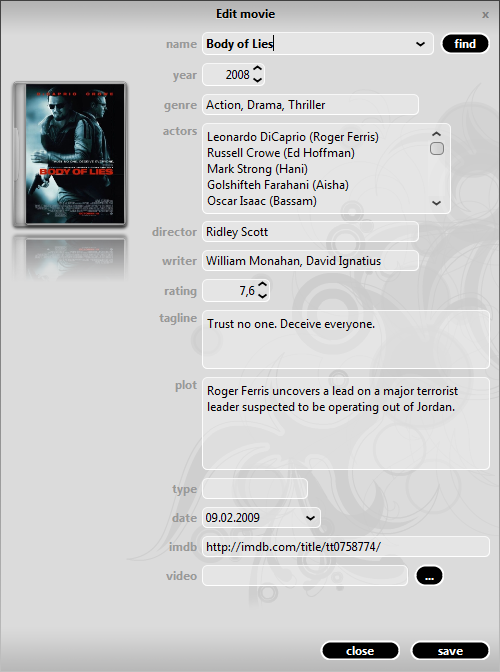
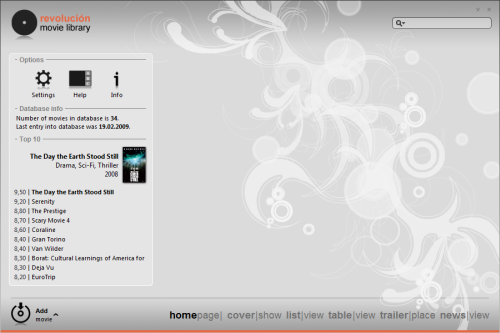
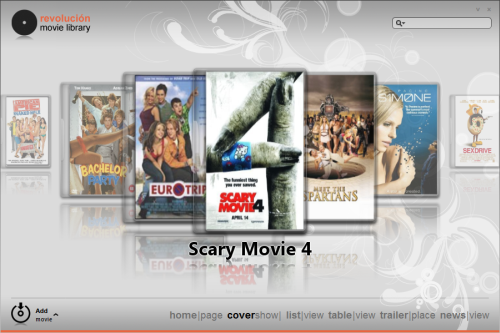
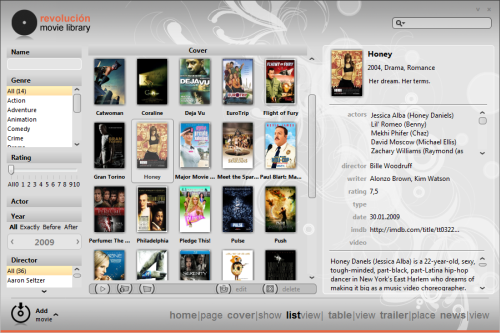
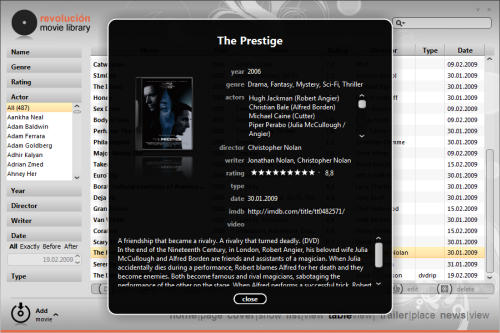
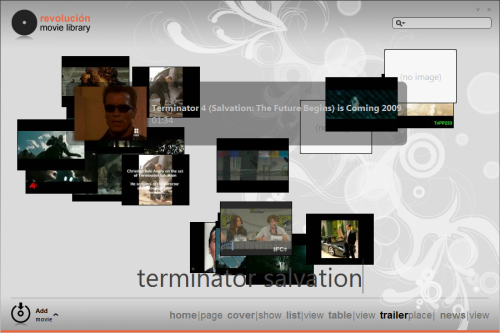
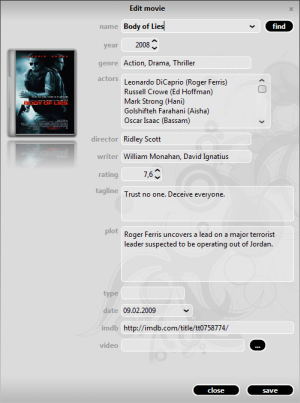
It is always exciting to see an elegant and polished desktop application, and it is doubly so when Swing is the UI toolkit of choice. Željko Ziriković is the mastermind behind Revolucion, a new Swing-based media player. And while Mikael Grev‘s initial work on his own media player has shown great promise, it hasn’t progressed to handling the real media. Željko‘s work appears to be much more complete and functional, and i’m eagerly looking forward to see the code when it is released in the next few weeks.
In the meantime, enjoy the video walkthrough (switch to full screen and HD), and click on the screenshots below.
I am extremely pleased today to announce the official release for version 4.0 of Flamingo component suite (code-named Fainnear). As detailed in the roadmap for this release, the goal was to provide the missing functionality from the Office 2007 Command Bar, and the journey that has started in September 2005 has arrived at its most important milestone so far.
I can finally say that the Flamingo ribbon can be used to create Swing ribbon-driven applications. While some of the minor functionality will have to be postponed to the next few releases, Fainnear provides all the major building blocks to create sophisticated ribbon content and wire it to the custom application logic. The release notes for version 4.0 contain the detailed information on the contents of this release which include:
To see the Flamingo ribbon component in action under core look-and-feels, run the following WebStart demo:

To see the Flamingo ribbon component in action under Substance look-and-feel, run the following WebStart demo:

If you want to test the ribbon in your applications, you would need the following (the last two only for applications running under Substance look-and-feel):
You are more than welcome to take Flamingo 4.0final for a ride and report any problems in the project mailing lists, forums or issue tracker.
I would like to thank all the early adopters that have tried the early development drops of Flamingo 4.0. Special thanks go to Andrey Eremchenko for extensive reporting and verifying of complex usability scenarios, especially for minimized, shrinked and popup functionality.
Sample screenshots of Flamingo 4.0 in action: